
This guide takes your MangoTart from an unopened package to a working AI agent in about ten minutes. The device has no screen—you do everything from your phone or computer on the same network.
What you'll need
- The MangoTart agent computer, its power supply, and the network cable
- A phone or computer on the same Wi-Fi/network as MangoTart
- A free MangoTart account (you'll create it at mangot.art)
- Model access — a ChatGPT subscription is easiest, or an API key for a provider supported by Hermes
Step 1 — Connect and open MangoTart
Power and network
Plug in the power supply and connect the network cable to your router. MangoTart boots in about a minute—no Wi-Fi setup is needed for this first connection.
Open its page
On your phone or computer, open the address printed on the device label: http://mango-xxx-yyy.local.
Can't reach it?
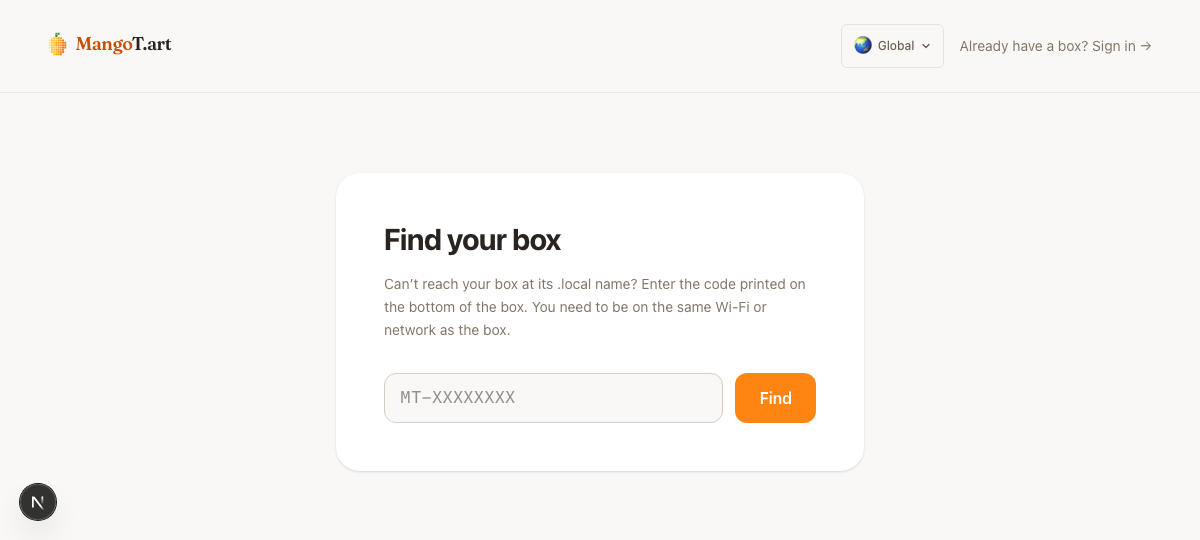
Some networks block .local names. Open the find page, enter the MT-XXXXXXXX code from the device label, and you'll get a link you can tap.
Step 2 — Bind your account
The setup wizard opens on the Activate step. Linking the device to a MangoTart account establishes ownership for warranty, support, and remote maintenance—it does not involve model billing.

Sign in at mangot.art
On your phone or computer, go to mangot.art and sign in—we email you a 6-digit code, no password required. Then activate this device by entering its MT-XXXXXXXX code.
Generate a pairing code
Tap Generate pairing code. You'll get an 8-character code that's valid for 10 minutes.
Enter it on MangoTart
Type that code into MangoTart's Activate screen and continue.
Binding links the device to your account for ownership and support. Which AI it uses—and every model credential it holds—is configured locally on MangoTart in the next steps.
Step 3 — Set an admin PIN
Next, set a PIN. It protects MangoTart's management pages from anyone else on your network, and it is how you approve sensitive local actions later. Pick something you will remember.
Step 4 — Choose your model
This is where you decide which model provider the agent uses.
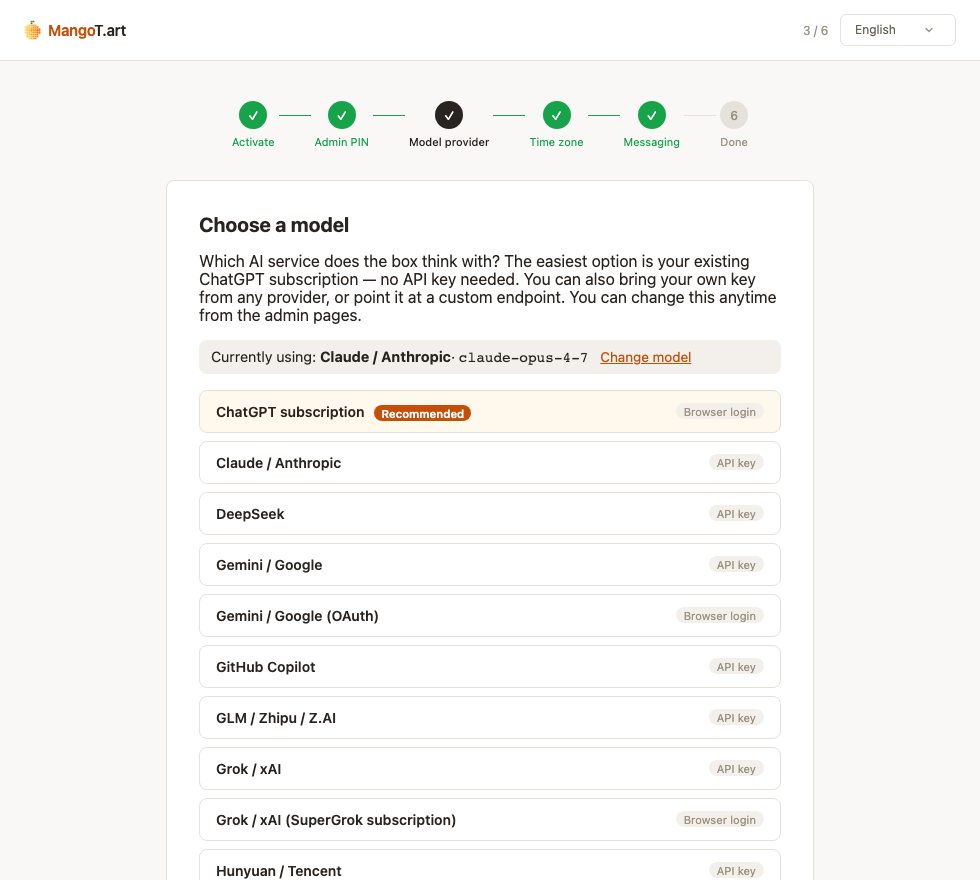
- ChatGPT subscription (recommended) — use an eligible ChatGPT account. You'll get a link and a short code: open the link on your phone, sign in to ChatGPT, and enter the code. No API key is required, and MangoTart adds no separate model fee; your ChatGPT plan and its limits still apply.
- Bring your own — paste an API key (Claude, DeepSeek, Gemini, and more), use an OAuth login, or point at a custom OpenAI-compatible endpoint.
Either way, billing stays on your own provider account—MangoTart does not resell the usage. You can change the model anytime from the management pages. See Models and ongoing costs.
In mainland China
OpenAI's ChatGPT sign-in and inference endpoints are not normally reachable there, so the ChatGPT option will fail without a supported network path. MangoTart does not provide a proxy; choose a provider reachable from your network, such as a compatible domestic provider.
Step 5 — Pick your time zone
Choose your city. The agent uses it for schedules, log timestamps, and its sense of what "now" means.
Step 6 — Connect a chat app
Connect one messaging app so you can actually talk to your agent. You only need one to start — add the rest later from the Messaging page.
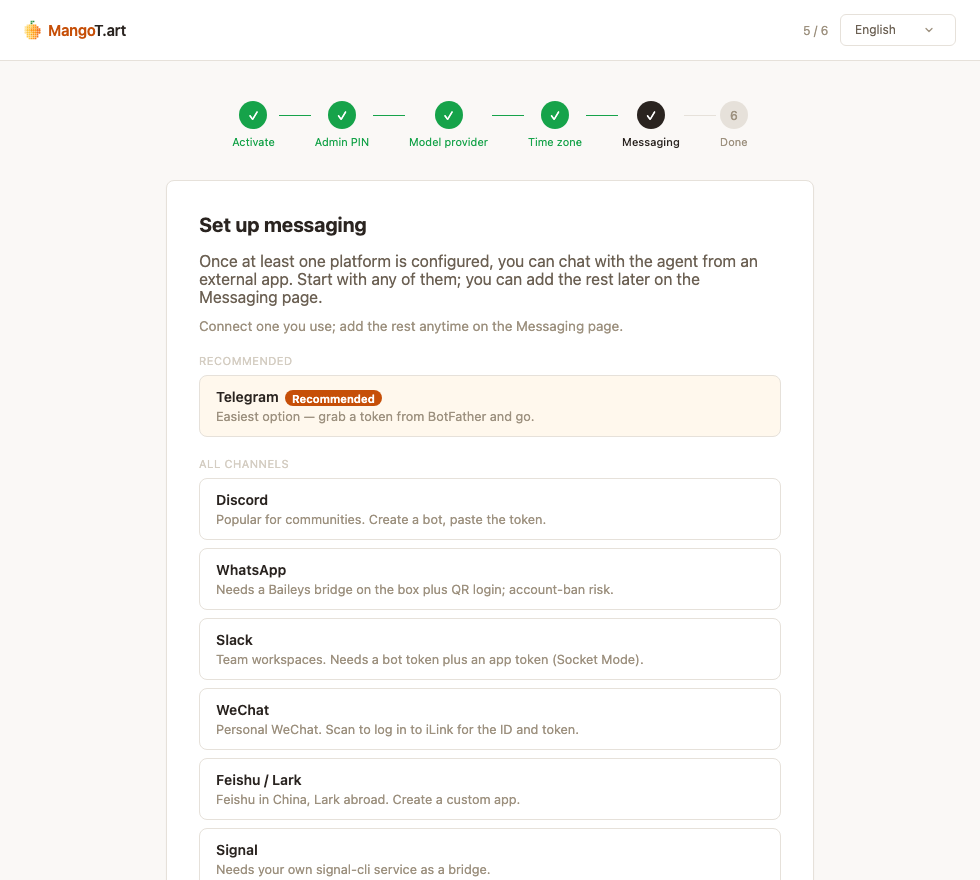
Where Telegram is available, it is usually the quickest setup: message @BotFather, send /newbot, and paste the token it gives you. Telegram is not reachable on every network or in every region; choose another supported channel if needed. WeChat, Discord, Slack, Lark, and others are available in the Messaging page.
Done — say hi
That's it. Your agent is live.
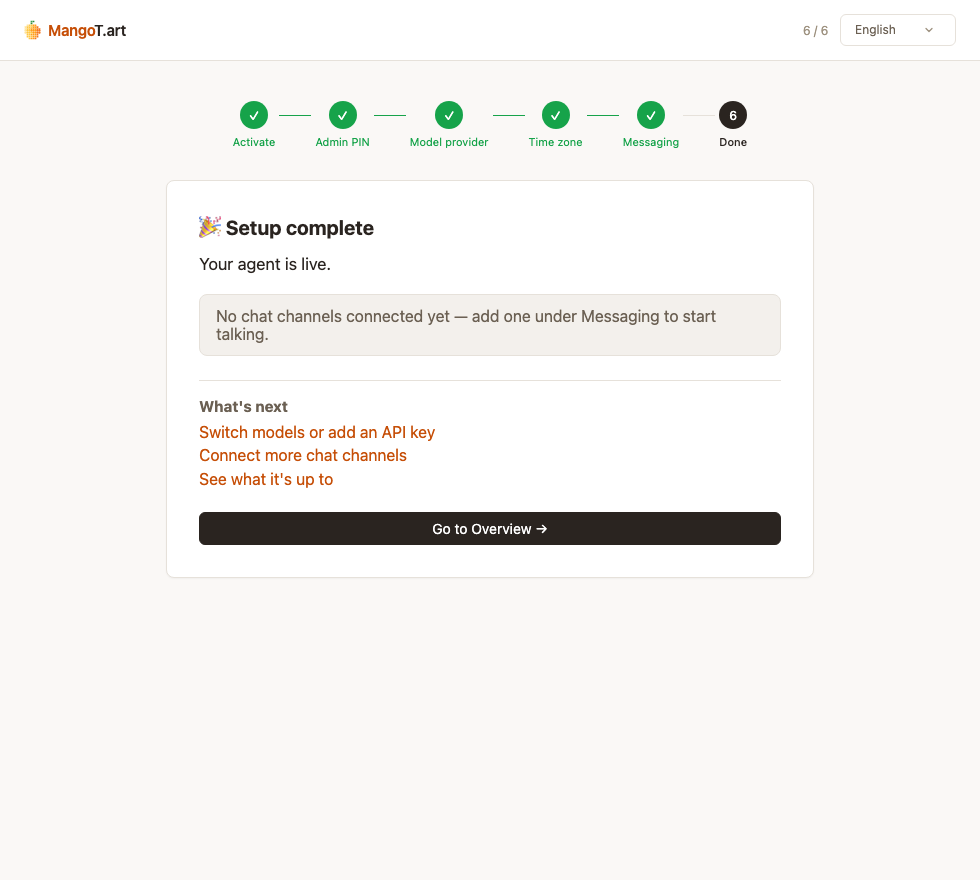
Open the chat app you just connected — say, Telegram — and send your agent a message. If it answers, everything's working.
What's next:
- Email tool — let the agent read and draft from your own mailboxes
- SMS tool — have it draft texts for you to approve and send
- Network and access — switch to Wi-Fi and understand LAN-only access
- Troubleshooting — diagnose a device, model, channel, or browser problem
- Switch models, add keys, or connect more chat apps anytime from MangoTart's management pages